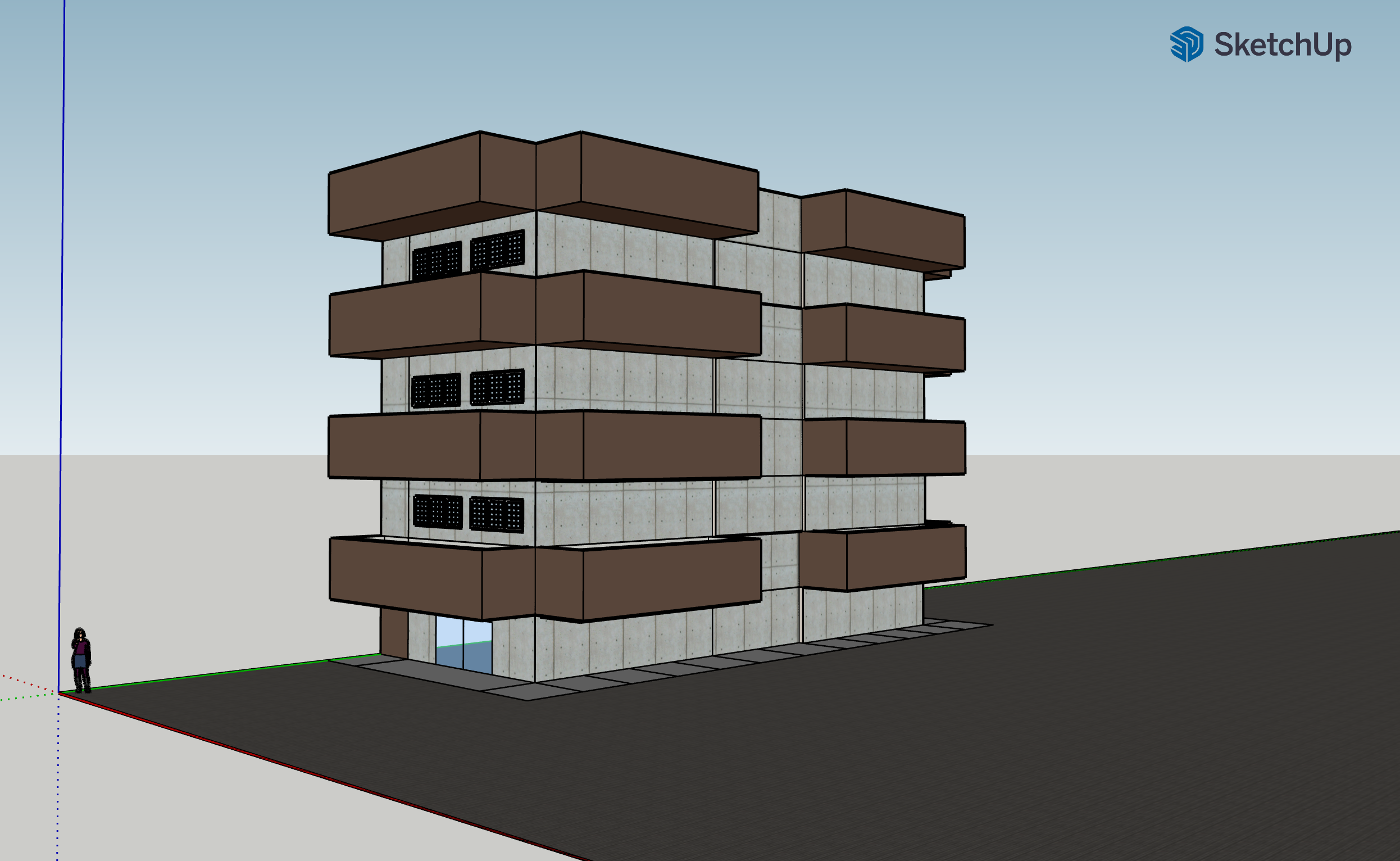
Responses to Questions for the SketchUp Post
- Level of Difficulty: On a scale of 10 (1- easy, 10-difficult), for me, it was around 8.5.
- Difficult Elements: What made it difficult was trying to change and move objects without changing the other structures. Some techniques that I would be happy to learn is grouping objects and moving them as a group. Copy/pasting those groups would be helpful too.
- Compromises: I had to completely ignore the interior. The house that I made is definitely not a comfortable place to live in.
- Humanistic Uses: I think this tool can have uses in academia, such as for architecture or courses on historical artifacts. As we transitioned into online learning last year, I think this tool is a useful 3D visualization tool that can to some extent provide more information than a simple 2D image.
Tips!
Sketch on PAPER! before jumping into SketchUp. I started making my house right away and immediately regretted it. I realized sketching it out helps in thinking about more efficient ways to make a structure as well as considering ways to make a design more simple.
Pictures of the apartment that I live in
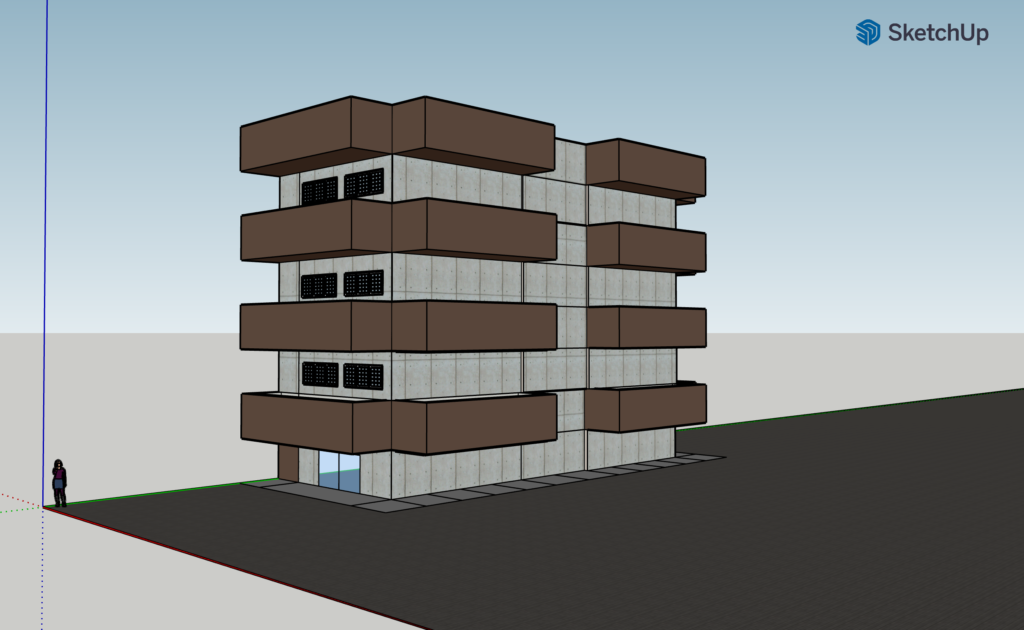
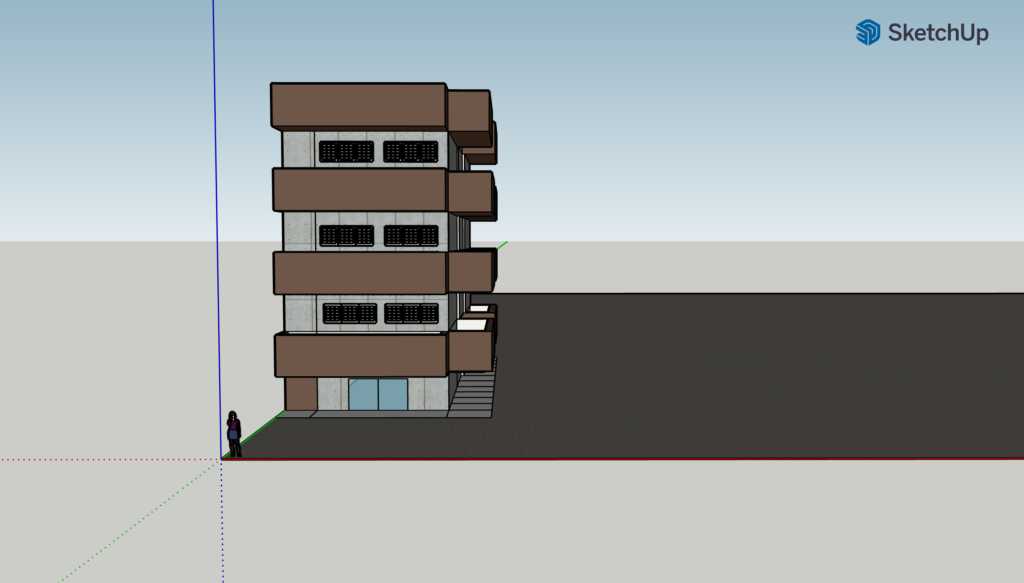
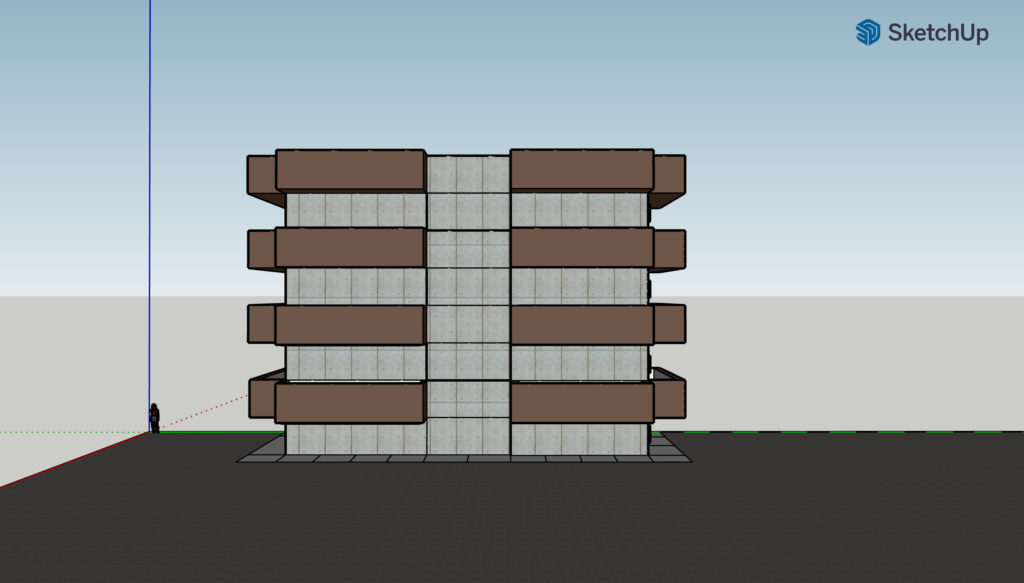
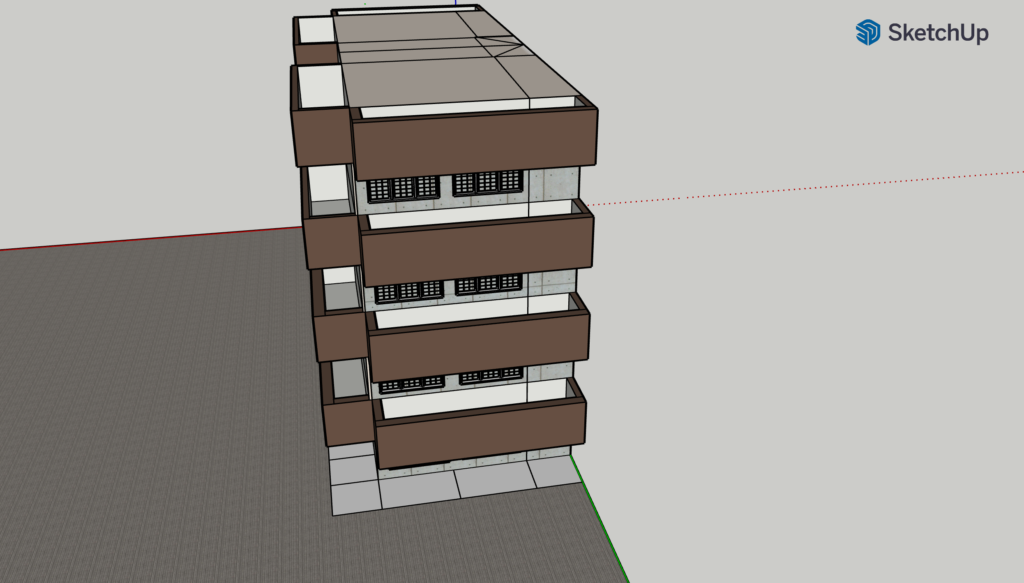


Nice work, much more complex than a house! I wish I had followed the tip of drawing the building on paper before trying to model it.
I found it really hard to use the pre-customised windows and doors because of orientation issues but I see you’ve used a few and it looks great!
An, I loved your descriptions of the different angles of your house! It was very enjoyable to read through your commentary and learn more about your design process as a result! I hadn’t thought to sketch out my design on paper first, but I think that’s a terrific idea, and I will certainly try that out in future Sketchup Projects!
Your house looks amazing! And I definitely agree that sketching on paper would be very helpful!
Wow this is super impressive! That’s certainly a lot of work for modeling multiple stories of the building! For grouping objects and moving them as a group, try selecting objects while holding down the shift key. It sometimes work well to copy/paste and move them around. Be careful not to select surfaces because that sometimes messes everything up when you try to drag stuff around.
1. I like the lines on top of the building (!) but I wonder how we might be able to cover it?
2. 3D visualization tools like SketchUp seems to have maintained, if not increase, our engagement with exhibitions, museums, as well as architectural and historical sites. Check out this fantastic website if you haven’t already 🙂 https://www.cyark.org/explore/