
So this is a model of what the home I grew up in look like, on the 14th floor of an apartment building in Beijing, China. I thought about modeling the entire building when I was reading the instructions but I soon realized that it would be a very difficult task — even if I had the time to map out the various windows of 150+ apartments, I don’t know/remember how the rest of the building looks like! Instead of trying to have a low quality model of the entire building, I decided to just focus on the “slice” in which I grew up in.
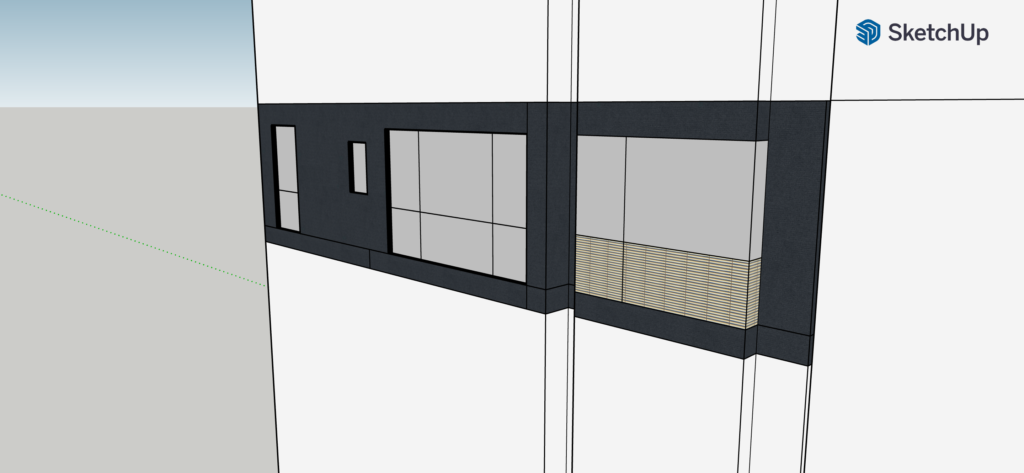
I started with a very rough estimation of the dimensions of the entire building, just so that it’s there for general visual references. I then found the proportion of the structure that I lived in and “carved” out edges and details to the best of my memories. I then painted the textures and added the giant, distinct letter E on side of the building. The process wasn’t really difficult, as I didn’t need to and couldn’t be very precise with the dimensions.
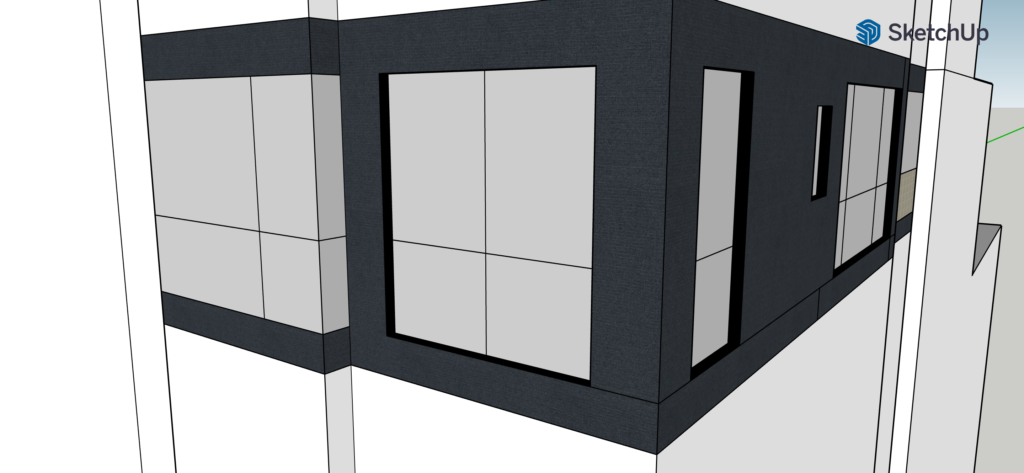
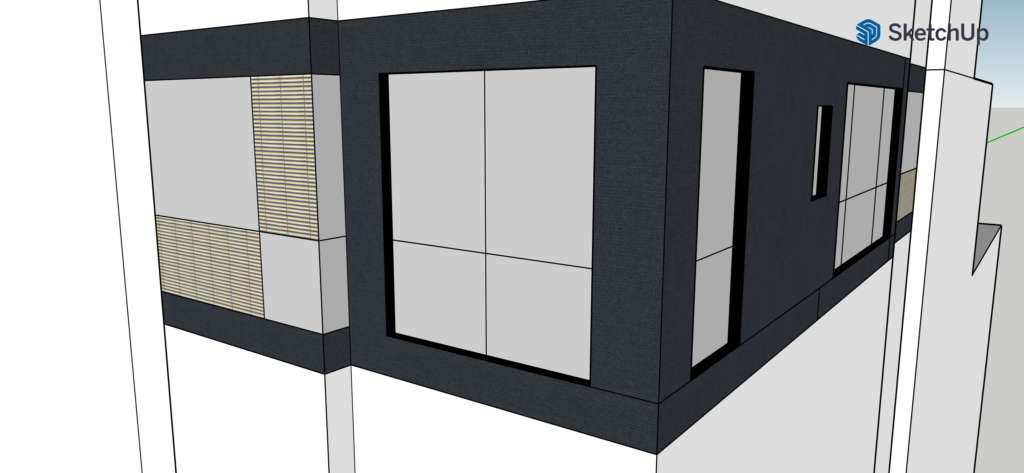
This was a major problem that I encountered while “painting” the windows. I wanted to choose the wood fence-like texture for the bottom-left rectangle on the window on the left, but the top-right rectangle always gets selected with it, so I couldn’t paint them differently as I planned. There wasn’t an issue with another window that I drew with the exact same method and dimensions, and my best guess is that there was somehow a tiny gap in the middle that didn’t divide the two shapes.
I can definitely see how important tools like this can be. For example, once can recreate historical structures that no longer exist and present it to an audience that can walk around and explore in. Creating an accurate 3D model based on various historical documents can help the general audience visualize and learn from the architectures throughout history.
A tip that I found to be super helpful is to use the shift key as a combination to other tools to quickly switch between related functions. For example, holding down shift while using the Paint tool will give you the Sample Material tool to choose the texture to paint with; using shift while rotating your model will simply move it around for better and easier model navigations; and holding down the shift key also allows selecting multiple entities that can be manipulated together, even though some actions like Push/Pull could not be performed with multiple selected surfaces.

